
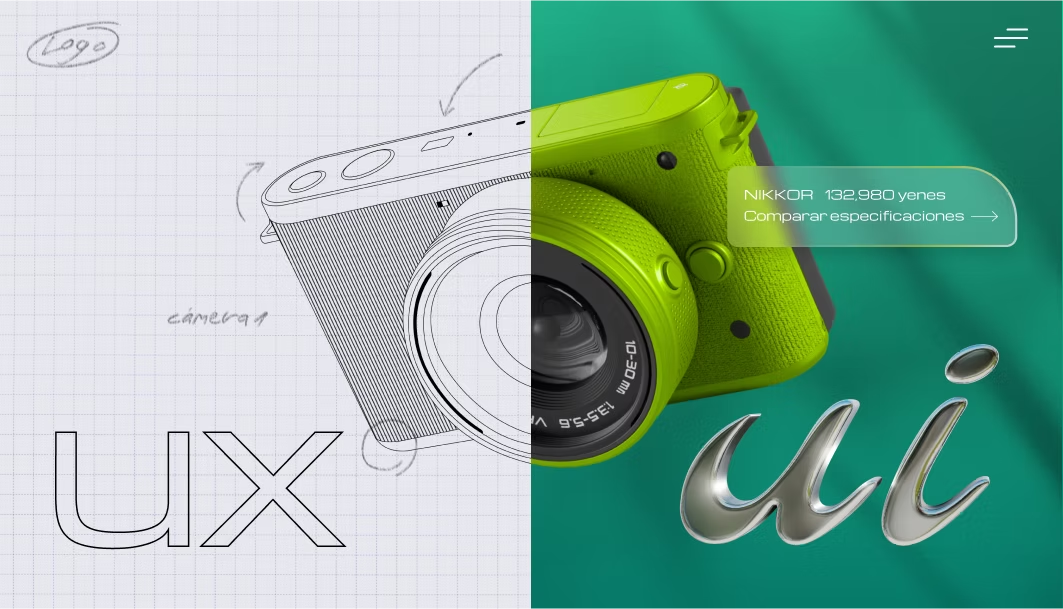
UI vs UX: What’s the Difference? A Clear Guide to User Experience and Interface Design
Discover the key differences between UX (User Experience) and UI (User Interface). Learn their goals, responsibilities, examples, and how they complement each other to create digital products that are both intuitive and visually engaging.
Introduction: Understanding UI vs UX
In today’s digital world, the terms UI (User Interface) and UX (User Experience) are often confused. While they are closely related, understanding the difference between UI vs UX is crucial for creating digital products that are both visually appealing and truly functional.
Table of Contents
- What is UX (User Experience)?
- Key aspects
- Main goals
- What is UI (User Interface)?
- Key aspects
- Main goals
- UX vs UI: Key Differences
- How UX and UI Work Together
- UX and UI Beyond Screens
- Roles and Responsibilities
- UX Designer
- UI Designer
- Quick Examples
- Practical Principles for Great UI/UX
- Conclusion
What is UX (User Experience)?
User Experience (UX) refers to the overall journey a user goes through when interacting with a product, service, or system. It is less about aesthetics and more about usability, functionality, and how effortless the interaction feels.
Key aspects:
- Usability: Is it easy to use?
- Accessibility: Can everyone use it, regardless of ability?
- Efficiency: Does it save time and reduce effort?
- Consistency: Does it provide a smooth experience across platforms?
Main goals:
- Reduce friction in user interactions.
- Ensure tasks can be completed effectively.
- Build trust and satisfaction with the product.
What is UI (User Interface)?
User Interface (UI) is the visual and interactive layer of a product. It includes everything users see and touch: buttons, menus, typography, layouts, and color schemes.
Key aspects:
- Visual Design: Aesthetic look and feel.
- Interactivity: How buttons, icons, and menus behave.
- Consistency: Uniform design across the product.
- Branding: Reflecting the brand identity visually.
Main goals:
- Make interactions visually clear and attractive.
- Provide intuitive navigation.
- Strengthen the product’s personality through design.
UX vs UI: Key Difference
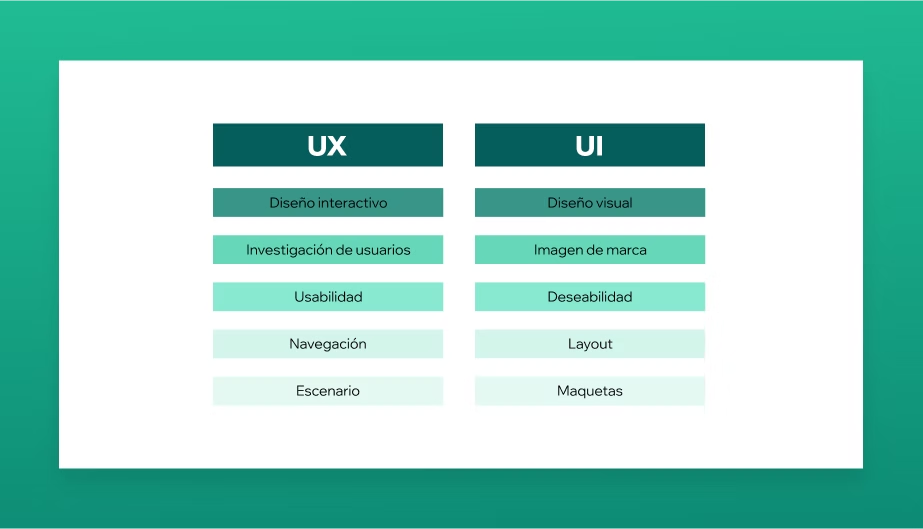
- UX is about how it works; UI is about how it looks.
- UX focuses on solving user problems; UI focuses on making the solution engaging.
- A product can look beautiful (great UI) but still be frustrating to use (poor UX).
How UX and UI Work Together
UX and UI are not separate silos — they work hand in hand.
- UX ensures the structure and flow make sense.
- UI makes that structure visually appealing and easy to interact with.
Together, they create digital products that are both functional and delightful.

UX and UI Beyond Screens
UX and UI are not limited to websites and apps. They exist in:
- Physical products (a coffee machine’s usability).
- Services (how easy it is to book a flight online).
- Spaces (navigation in a museum or airport).
Roles and Responsibilities
UX Designer:
- Conducts user research and testing.
- Creates wireframes and prototypes.
- Maps user journeys and workflows.
UI Designer:
- Designs layouts, buttons, icons, and visual elements.
- Works with typography, color, and branding.
- Ensures visual consistency across all screens.
Quick Examples
- UX Success / UI Failure: A mobile app that lets you book a taxi easily but looks outdated and unattractive.
- UI Success / UX Failure: A beautifully designed website with animations but so confusing that users leave before completing a purchase.
- UX + UI Success: A food delivery app that is fast, intuitive, and visually engaging.
Practical Principles for Great UI/UX
- Prioritize clarity over decoration.
- Test early and often with real users.
- Keep interactions consistent across devices.
- Design with accessibility in mind.
- Align visuals with brand identity.
Conclusion
The difference between UX and UI lies in focus: UX designs how it works, UI designs how it looks. But the magic happens when they work together. A product with both strong UX and UI doesn’t just meet user needs — it creates memorable, seamless experiences.
